How I built an Interior Design Agent using Python
Built using OpenAI's Agents SDK

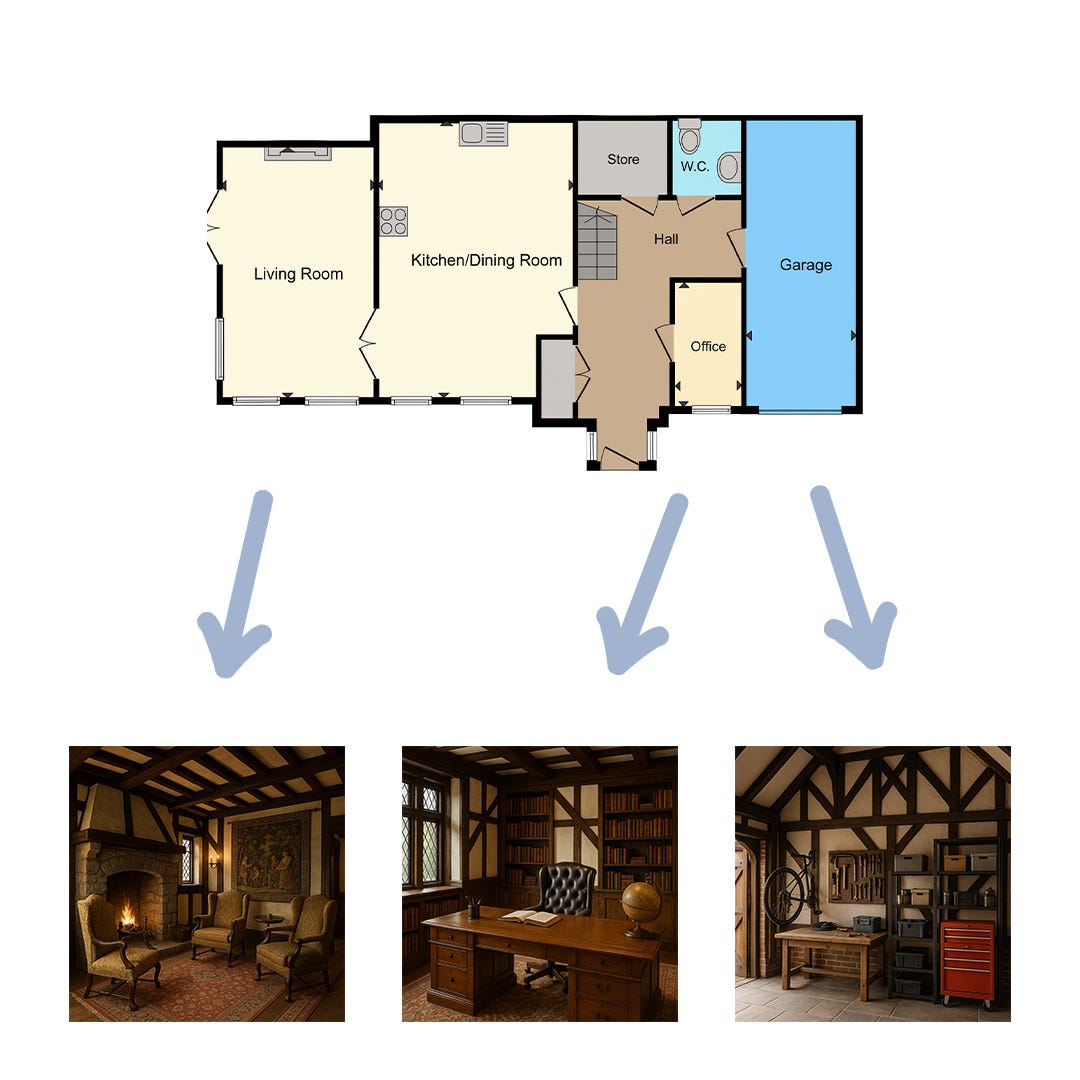
I recently used Python to build an Interior Design Agent, a minimal open‑source MVP that turns a floorplan and a short style prompt into a set of interior concepts and images.
Today's newsletter walks through how the project works at a high level, shows the system diagram, and explains how I’m using OpenAI’s Agents SDK to implement the Agent, Guardrails and Tools that make this project work!
What it does (in one minute)
Upload a floorplan (or use a sample) and type your design style (e.g., “Tudor period”).
The app validates the input, plans a design for each room, and generates up to five images.
Designs and images are saved so you can download, compare, and iterate
The flow at a glance
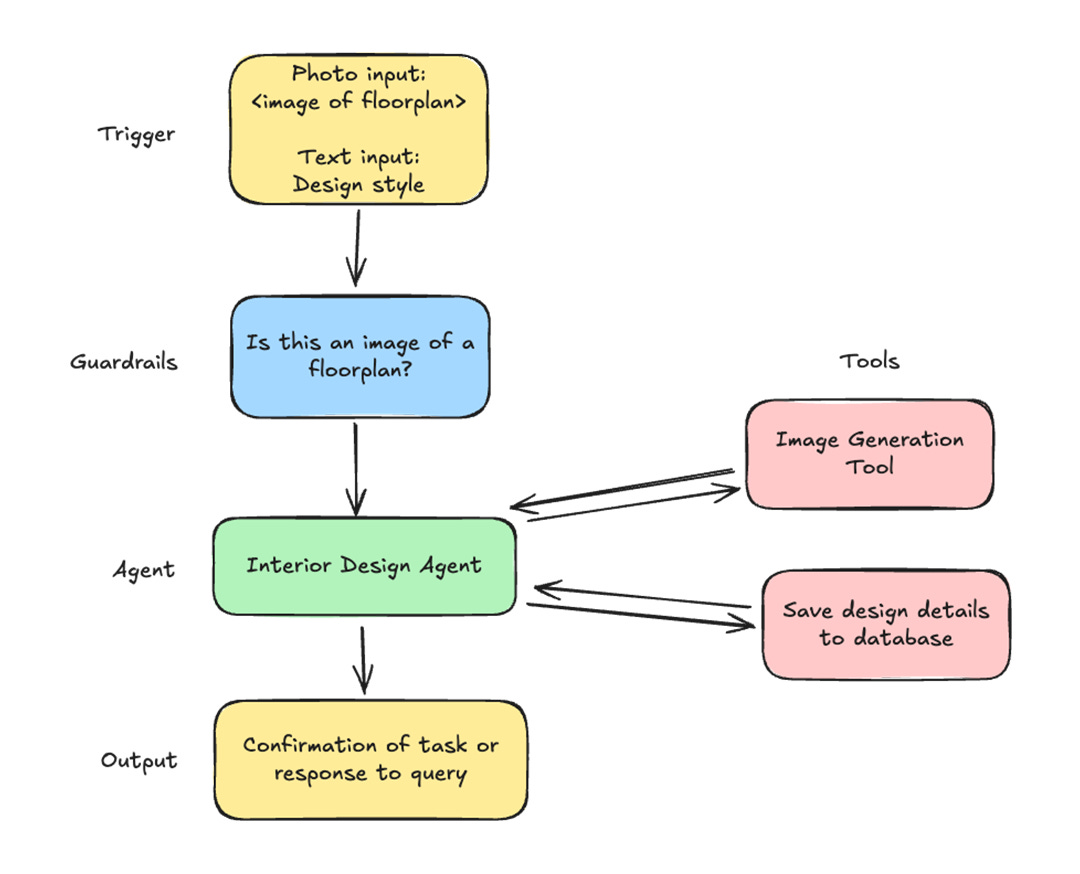
Trigger — You provide a floorplan image + text style prompt.
Guardrails — An input guardrail checks that the image looks like a floorplan and that the prompt is appropriate and interior‑design‑related.
Agent — The Interior Design Agent plans the layout per room, selects a palette and furniture, and orchestrates image generation.
Tools — The agent calls:
ImageGenerationTool to render room images (PNG, 1024×1024 in the MVP).
save_design_data_to_database to persist the design details for the entire floorplan in a single entry.
Output — You get confirmation plus generated images you can view and download from the Streamlit UI.
How the OpenAI Agents SDK fits in
This project leans on the Agents SDK for structure and safety:
Agent: Encapsulates behavior and instructions.
my_agent = Agent(name="Interior Design Agent", instructions=..., tools=[ImageGenerationTool(...), save_design_data_to_database], model="gpt-4.1", input_guardrails=[guardrail_function], output_type=DesignOutput)The typed output is enforced via a Pydantic model (
DesignOutput) to keep responses predictable: rooms, design_style, color_palette, furniture, and a final description.
Runner: Executes the agent and returns a rich result object.
result = await Runner.run(my_agent, formatted_input)I iterate
result.new_itemsto collect binary image payloads and write them to theoutput/directory.
Tools: First‑class functions the agent can call.
ImageGenerationTool is configured with output format, quality, and size.
save_design_data_to_database is a custom tool that writes a single consolidated record for the full floorplan after images are generated (the agent is instructed not to create multiple entries).
Input Guardrails: A separate Floorplan Checker Agent plus an
@input_guardrailfunction keeps inputs on‑policy.The guardrail agent classifies whether an uploaded image is a floorplan and whether the text prompt is safe and relevant.
If a tripwire triggers (
InputGuardrailTripwireTriggered), the run halts with a clear reason—preventing wasted tokens and off‑topic generations.
RunContextWrapper: Gives the guardrail function the execution context it needs without mixing concerns into the main agent.
This separation makes it easy to swap models, add tools, or evolve the design logic without touching the UI or storage layer.
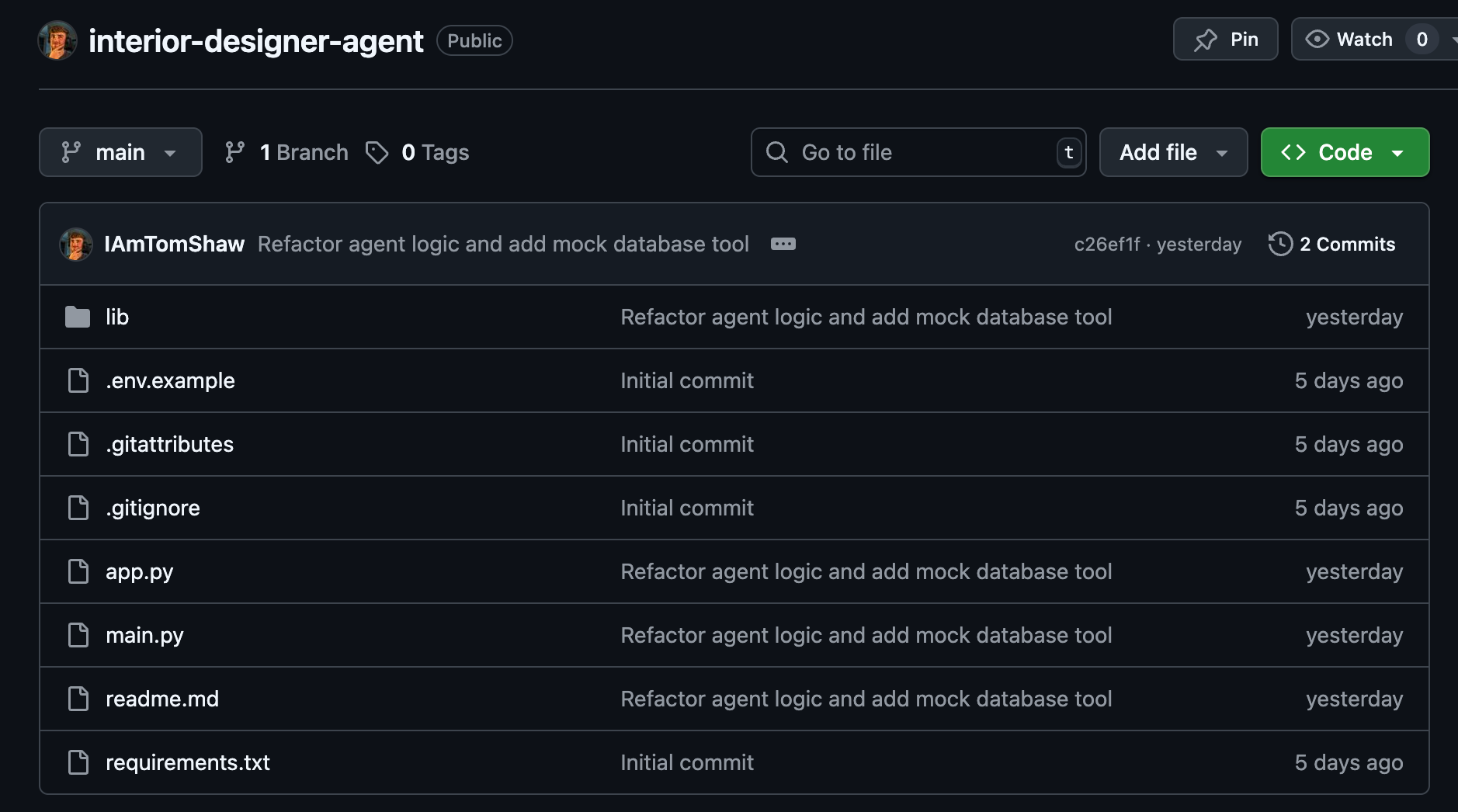
Where you can find the project
You can find the project on my GitHub: https://github.com/IAmTomShaw/interior-designer-agent